



BGRemove.cc

Free · No sign-up · Runs in your browser

Make background transparent& download a PNG

Turn any JPG into a transparent PNG automatically. Ideal for logos, product photos, stickers and design assets.

or drop a file, paste an image (Ctrl/⌘ + V) or

No image? Try one of these:

Processed on your device — your images are never uploaded.

  • Full-HD PNG
  • No watermark
  • Batch & ZIP
  • Mobile-friendly

Create transparent PNGs from any photo

A transparent background lets an image sit naturally on top of anything — a website header, a slide, a T-shirt mock-up or another photo. BGRemove detects the subject and makes every background pixel fully transparent, with soft partial transparency along the edges so there's no white halo.

The result is a standard PNG with an alpha channel that opens in Canva, Figma, PowerPoint, Google Slides, Photoshop, Word and every browser.

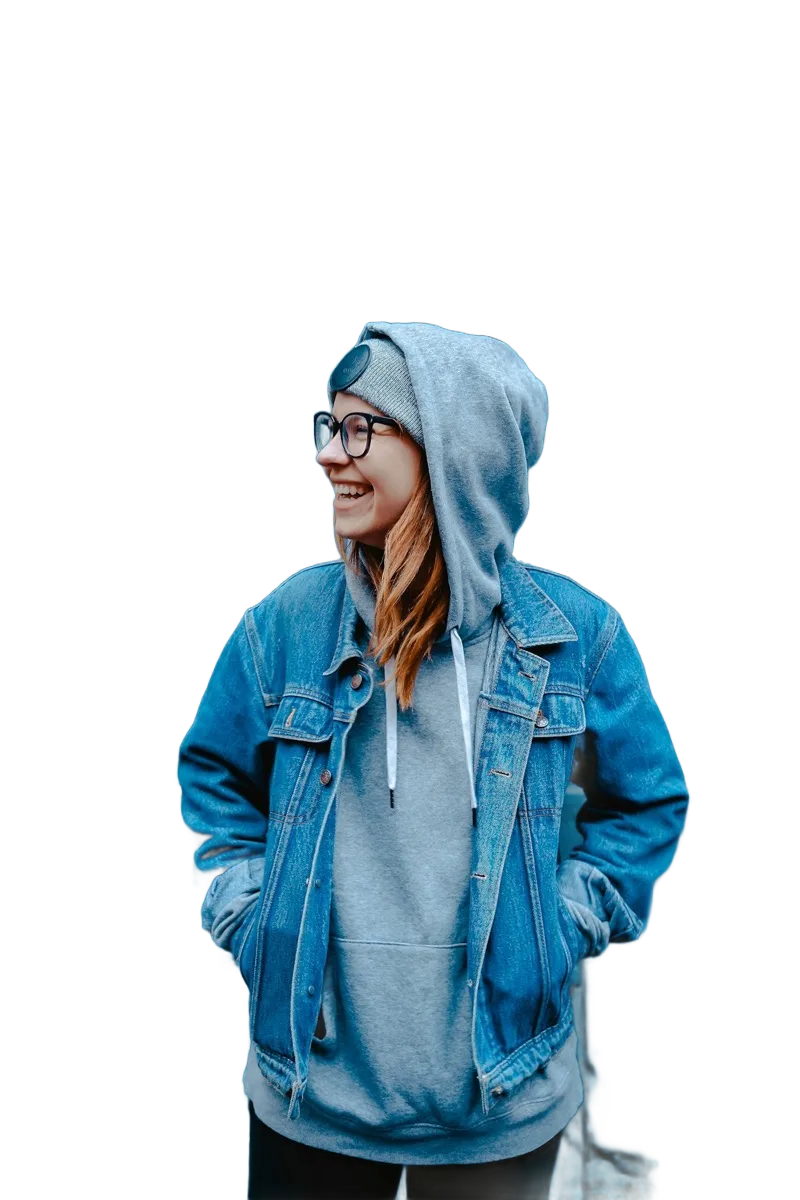
Make Background Transparent example: People with background removed
Make Background Transparent example: People original
Peopledrag to compare
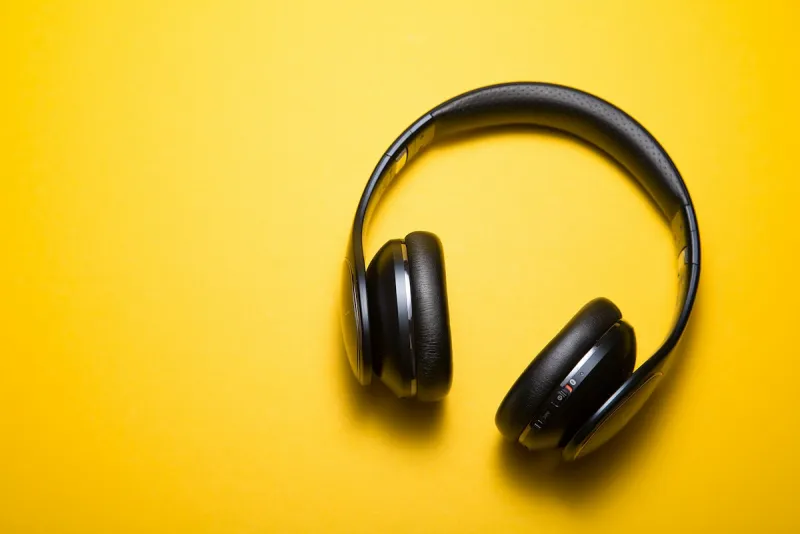
Make Background Transparent example: Animals with background removed
Make Background Transparent example: Animals original
Animalsdrag to compare
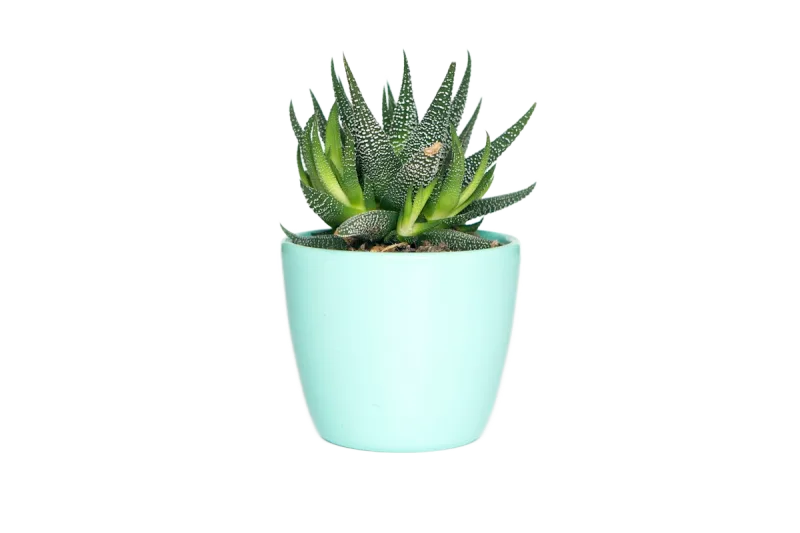
Make Background Transparent example: Products with background removed
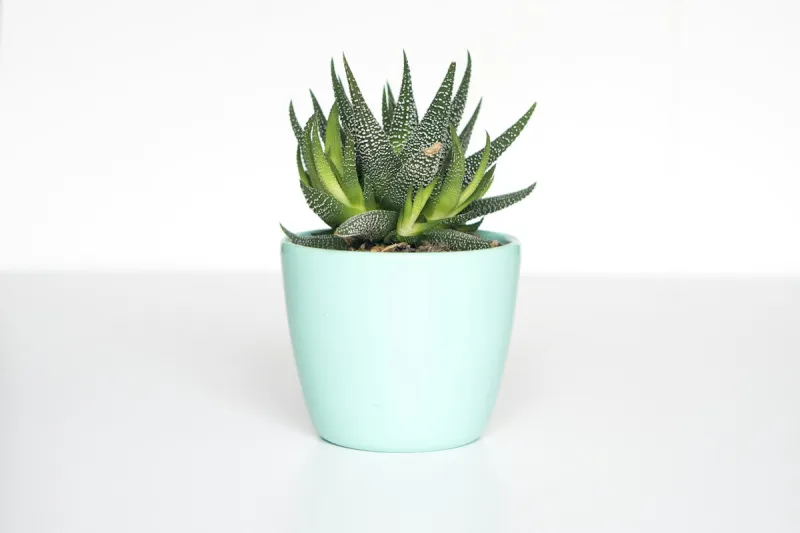
Make Background Transparent example: Products original
Productsdrag to compare
Make Background Transparent example: Objects with background removed
Make Background Transparent example: Objects original
Objectsdrag to compare

How to make a background transparent

  1. 1

    Upload a JPG or PNG

    Any image works, including screenshots and scans.

  2. 2

    Background turns transparent

    The checkerboard pattern shows exactly which areas are see-through.

  3. 3

    Download PNG

    Click Download to save the transparent PNG at full resolution.

Everything you need, nothing you don't

Fully automatic

One click. The AI finds the subject and removes the background — no selections, no masking.

Full-resolution, free

Download the HD result at your original size. No credits, no watermark, no low-res preview.

Private by design

Images are processed on your own device. Nothing is uploaded, stored or used for training.

Erase & restore brush

Touch up the edges in seconds: erase leftovers or paint back details the AI missed.

Batch processing

Drop many images at once and download them all together as a ZIP file.

New backgrounds

Transparent, white, any colour, gradients, blur or your own photo — previewed live.

Made for every kind of image

Logos

Remove the white box around a logo so it blends into dark and coloured headers.

Print on demand

Prepare transparent artwork for T-shirts, mugs and stickers.

Presentations

Place people and objects on slides without ugly rectangles.

Web graphics

Create hero images, icons and illustrations that work on any section colour.

JPG vs. PNG: why transparency needs PNG

JPG has no alpha channel, so it can't store transparency — transparent areas are always filled with a colour when you save as JPG. PNG and WebP both support alpha. BGRemove saves transparent results as PNG by default because it's the most compatible format.

Making a logo background transparent

Logos with thin text or outlines benefit from a high-resolution source. Upload the largest version you have; if small interior gaps (like the inside of an “o”) keep their background, use the Erase brush with a small size to clear them.

Frequently asked questions

How do I make the background of a picture transparent?

+

Upload the picture to BGRemove. The background is removed automatically and shown as a checkerboard. Click Download to save a transparent PNG.

Why does my transparent PNG show a white background?

+

Some viewers (like Windows Photos or email previews) display transparency as white. Open the PNG in a design tool or place it on a coloured background to see the transparency.

Is BGRemove really free?

+

Yes. Removing a background, editing the cut-out and downloading the full-resolution PNG costs nothing and needs no account. There are no credits, no watermarks and no daily limit, because the AI runs on your own device instead of our servers.

Which image formats are supported?

+

You can drop in JPG, JPEG, PNG, WebP, AVIF, BMP and GIF (first frame) images. Results download as a transparent PNG, or as JPG and WebP when you add a solid colour or photo background.

Are my images uploaded to a server?

+

No. The background removal model is downloaded once and then runs locally in your browser using WebGPU or WebAssembly. Your photos never leave your device, which makes BGRemove safe for product shots, ID photos and client work.

More free background tools

Ready to remove the background?

Drop an image anywhere on this page, or click below. Results in seconds — free forever.