





BGRemove.cc

Free · No sign-up · Runs in your browser

Background removein one click

Upload, remove, download. A simple background remove tool for anyone — no design skills, no software, no sign-up.

or drop a file, paste an image (Ctrl/⌘ + V) or

No image? Try one of these:

Processed on your device — your images are never uploaded.

  • Full-HD PNG
  • No watermark
  • Batch & ZIP
  • Mobile-friendly

Simple background remove for everyday photos

Sometimes you just need the background gone — for a school project, a marketplace listing, a presentation or a meme. BGRemove keeps it simple: one button to upload, an automatic background remove, and one button to download.

If you want more, the editor is right there: change the background colour, blur the original background for a portrait effect, or place your subject on a new photo.

Background Remove example: People with background removed
Background Remove example: People original
Peopledrag to compare
Background Remove example: Animals with background removed
Background Remove example: Animals original
Animalsdrag to compare
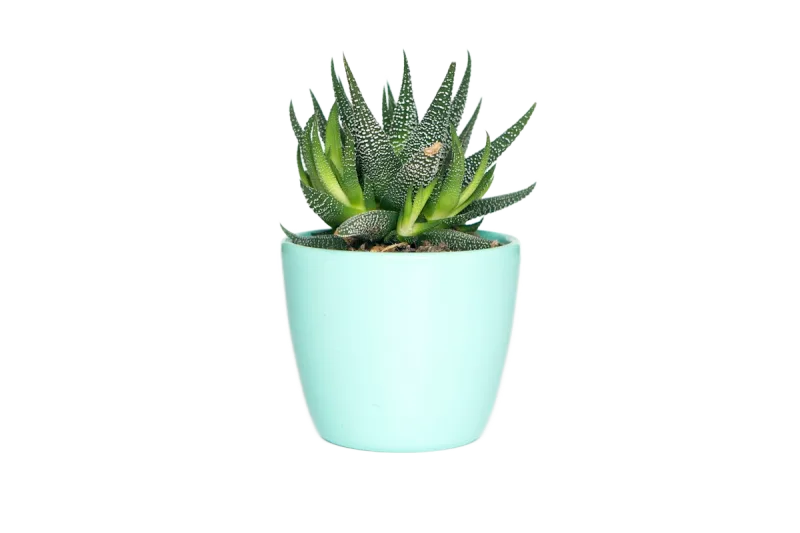
Background Remove example: Products with background removed
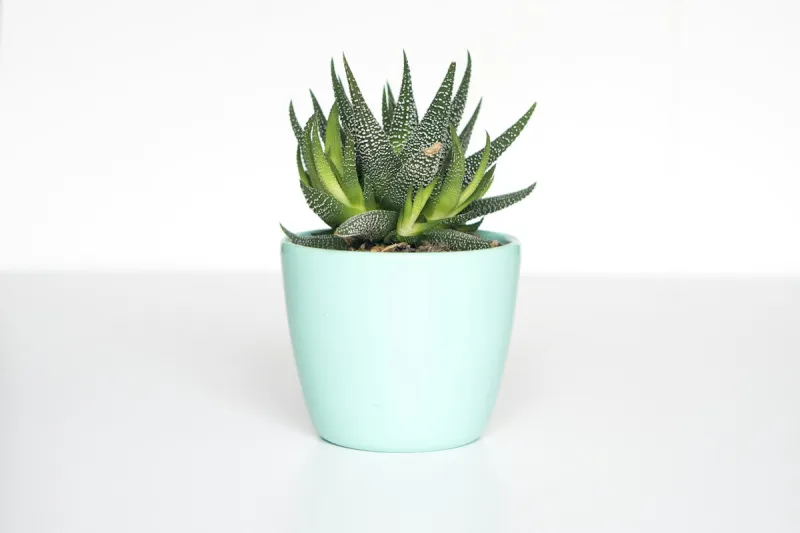
Background Remove example: Products original
Productsdrag to compare
Background Remove example: Objects with background removed
Background Remove example: Objects original
Objectsdrag to compare

Background remove in 3 simple steps

  1. 1

    Upload

    Pick any picture — JPG, PNG, WebP or AVIF, up to large camera resolutions.

  2. 2

    Remove

    Background remove happens automatically, right in your browser.

  3. 3

    Download

    Save a transparent PNG or a JPG with your chosen background.

Everything you need, nothing you don't

Fully automatic

One click. The AI finds the subject and removes the background — no selections, no masking.

Full-resolution, free

Download the HD result at your original size. No credits, no watermark, no low-res preview.

Private by design

Images are processed on your own device. Nothing is uploaded, stored or used for training.

Erase & restore brush

Touch up the edges in seconds: erase leftovers or paint back details the AI missed.

Batch processing

Drop many images at once and download them all together as a ZIP file.

New backgrounds

Transparent, white, any colour, gradients, blur or your own photo — previewed live.

Made for every kind of image

Students & teachers

Cut out images for slides, worksheets and posters without fighting with Office tools.

Small businesses

Make menu items, product photos and flyers look professional for free.

Personal projects

Create stickers, collages, greeting cards and family photo edits.

Documents

Remove backgrounds from stamps, signatures and ID photos for forms.

Background remove vs. background blur

A background remove deletes everything except the subject and leaves transparency. A background blur keeps the scene but softens it, like a portrait-mode photo. BGRemove does both: remove the background first, then choose Blur in the Background panel to bring the original scene back as a soft bokeh.

Does background remove reduce quality?

Not with BGRemove. The subject pixels are untouched — only the alpha channel changes. Downloads keep your original width and height, and PNG export is lossless.

Frequently asked questions

How does automatic background remove work?

+

An AI segmentation model looks at the whole image and predicts, for every pixel, whether it belongs to the foreground. That prediction becomes a transparency mask applied to your original photo.

Is BGRemove really free?

+

Yes. Removing a background, editing the cut-out and downloading the full-resolution PNG costs nothing and needs no account. There are no credits, no watermarks and no daily limit, because the AI runs on your own device instead of our servers.

Which image formats are supported?

+

You can drop in JPG, JPEG, PNG, WebP, AVIF, BMP and GIF (first frame) images. Results download as a transparent PNG, or as JPG and WebP when you add a solid colour or photo background.

Are my images uploaded to a server?

+

No. The background removal model is downloaded once and then runs locally in your browser using WebGPU or WebAssembly. Your photos never leave your device, which makes BGRemove safe for product shots, ID photos and client work.

Can I use the results commercially?

+

Yes. Images you process are yours. You can use the cut-outs for online stores, ads, client projects, print or anything else, as long as you have the rights to the original photo.

More free background tools

Ready to remove the background?

Drop an image anywhere on this page, or click below. Results in seconds — free forever.