





BGRemove.cc

Free · No sign-up · Runs in your browser

Remove backgroundfrom any image, free

People, products, animals, cars, logos and signatures — BGRemove cuts them out with clean edges and gives you the full-resolution result.

or drop a file, paste an image (Ctrl/⌘ + V) or

No image? Try one of these:

Processed on your device — your images are never uploaded.

  • Full-HD PNG
  • No watermark
  • Batch & ZIP
  • Mobile-friendly

Remove background from image online in three seconds

Need to remove the background from a picture right now? Upload it here and BGRemove does the rest. The AI detects the main subject, builds a precise mask and removes the background while keeping fine details such as strands of hair, pet fur, lace and glass reflections.

There's nothing to install and nothing to learn. It works the same on Windows, macOS, Linux, ChromeOS, iPhone and Android, directly in the browser you're using to read this page.

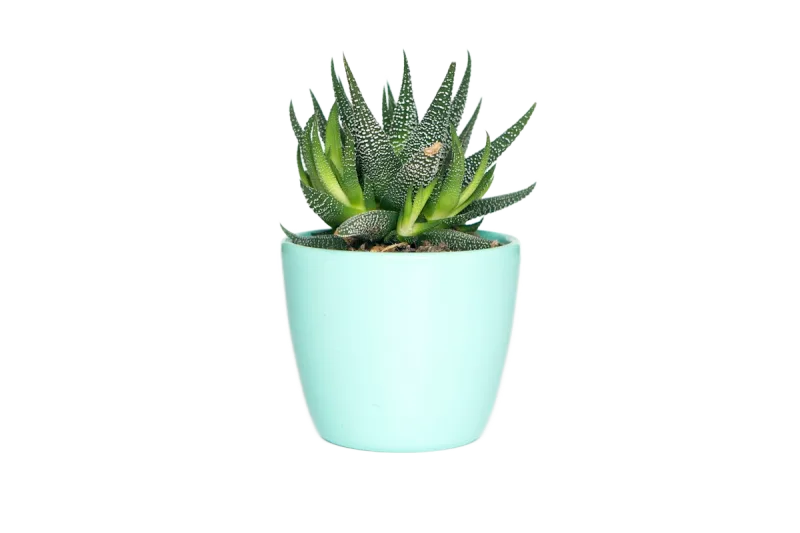
Remove Background from Image example: People with background removed
Remove Background from Image example: People original
Peopledrag to compare
Remove Background from Image example: Animals with background removed
Remove Background from Image example: Animals original
Animalsdrag to compare
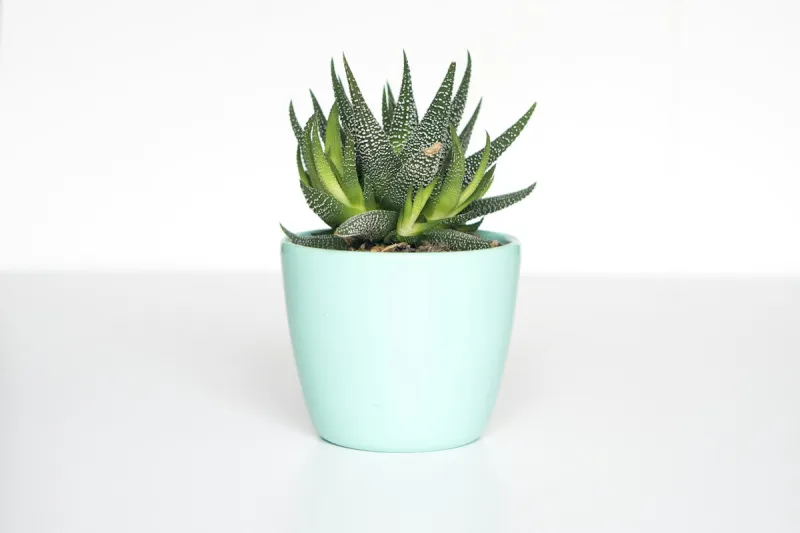
Remove Background from Image example: Products with background removed
Remove Background from Image example: Products original
Productsdrag to compare
Remove Background from Image example: Objects with background removed
Remove Background from Image example: Objects original
Objectsdrag to compare

How to remove background from an image

  1. 1

    Choose a photo

    Select a JPG, PNG or WebP from your computer or phone — or try one of our sample images.

  2. 2

    Wait a moment

    The background is removed automatically. You'll see the cut-out on a transparent checkerboard.

  3. 3

    Save the result

    Download a transparent PNG, or add a new background first and save as JPG.

Everything you need, nothing you don't

Fully automatic

One click. The AI finds the subject and removes the background — no selections, no masking.

Full-resolution, free

Download the HD result at your original size. No credits, no watermark, no low-res preview.

Private by design

Images are processed on your own device. Nothing is uploaded, stored or used for training.

Erase & restore brush

Touch up the edges in seconds: erase leftovers or paint back details the AI missed.

Batch processing

Drop many images at once and download them all together as a ZIP file.

New backgrounds

Transparent, white, any colour, gradients, blur or your own photo — previewed live.

Made for every kind of image

Remove background from a signature

Scan or photograph your signature, remove the paper background and drop it into PDFs and contracts.

Remove background from a logo

Turn a logo on a white or coloured box into a transparent PNG that works on any website header.

Remove background from a portrait

Isolate a person for passport-style photos, avatars, YouTube thumbnails and event flyers.

Remove background from a product

Make consistent catalogue images where every item sits on the same clean background.

How to remove a background without Photoshop

Traditional editors like Photoshop, GIMP or Affinity can remove a background, but they require selection tools, refine-edge passes and layer masks. BGRemove replaces all of that with a single click: the neural network outputs a soft alpha matte, so edges are anti-aliased instead of jagged.

If the AI misses a spot — say, a hand blending into a similar-coloured wall — switch to the Erase/Restore brush in the editor, paint over the area and you're done. Undo is always one click away.

Tips for the cleanest result

Use a photo where the subject is in focus and reasonably separated from the background. Good contrast between subject and background helps, but it isn't required — the model handles cluttered scenes well.

Higher-resolution originals produce sharper downloads. BGRemove keeps your original pixel dimensions, so a 4000 × 3000 photo gives you a 4000 × 3000 transparent PNG.

Frequently asked questions

How do I remove the background from an image for free?

+

Open bgremove.cc, click Upload Image and choose your photo. The background is removed automatically and you can download the transparent PNG for free in full resolution.

Can I remove the background from a picture on my phone?

+

Yes. The tool works in mobile Safari and Chrome. Tap Upload Image, choose a photo from your camera roll and download the result to your phone.

Are my images uploaded to a server?

+

No. The background removal model is downloaded once and then runs locally in your browser using WebGPU or WebAssembly. Your photos never leave your device, which makes BGRemove safe for product shots, ID photos and client work.

Which image formats are supported?

+

You can drop in JPG, JPEG, PNG, WebP, AVIF, BMP and GIF (first frame) images. Results download as a transparent PNG, or as JPG and WebP when you add a solid colour or photo background.

Can I fix areas the AI got wrong?

+

Yes. Open the Erase/Restore tab in the editor. Erase removes leftover background, Restore paints the original pixels back. You can change the brush size and undo any stroke.

Can I use the results commercially?

+

Yes. Images you process are yours. You can use the cut-outs for online stores, ads, client projects, print or anything else, as long as you have the rights to the original photo.

More free background tools

Ready to remove the background?

Drop an image anywhere on this page, or click below. Results in seconds — free forever.