





BGRemove.cc

Free · No sign-up · Runs in your browser

Remove BG from images100% free & automatic

Drop a photo and get a clean transparent PNG in seconds. Full resolution, no watermark, no account — and your image never leaves your device.

or drop a file, paste an image (Ctrl/⌘ + V) or

No image? Try one of these:

Processed on your device — your images are never uploaded.

  • Full-HD PNG
  • No watermark
  • Batch & ZIP
  • Mobile-friendly

The fastest way to remove bg from a photo

BGRemove is a free remove bg tool powered by a state-of-the-art segmentation model. It finds the subject in your picture — a person, a pet, a product, a car, a logo — and removes everything behind it, including the tricky parts like hair, fur and see-through edges.

Unlike most background removers, BGRemove does the work inside your browser. That means no queue, no upload wait, no file size paywall, and no copy of your image stored on someone else's server.

Remove BG example: People with background removed
Remove BG example: People original
Peopledrag to compare
Remove BG example: Animals with background removed
Remove BG example: Animals original
Animalsdrag to compare
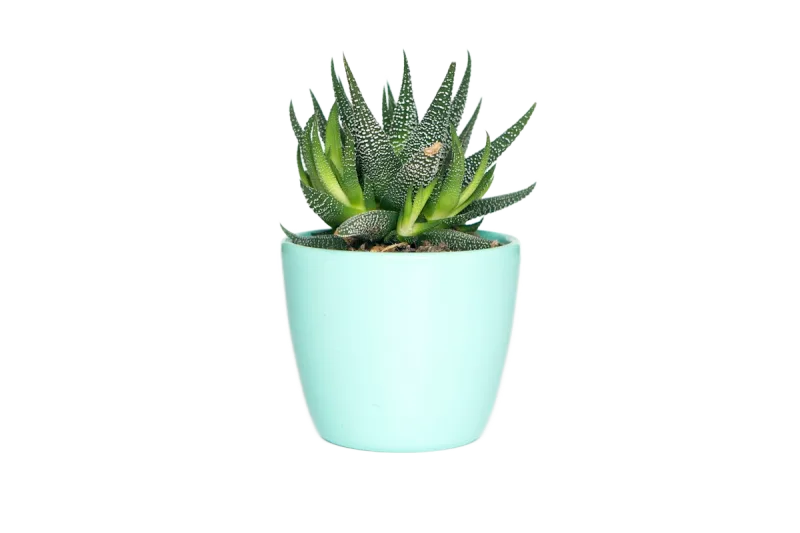
Remove BG example: Products with background removed
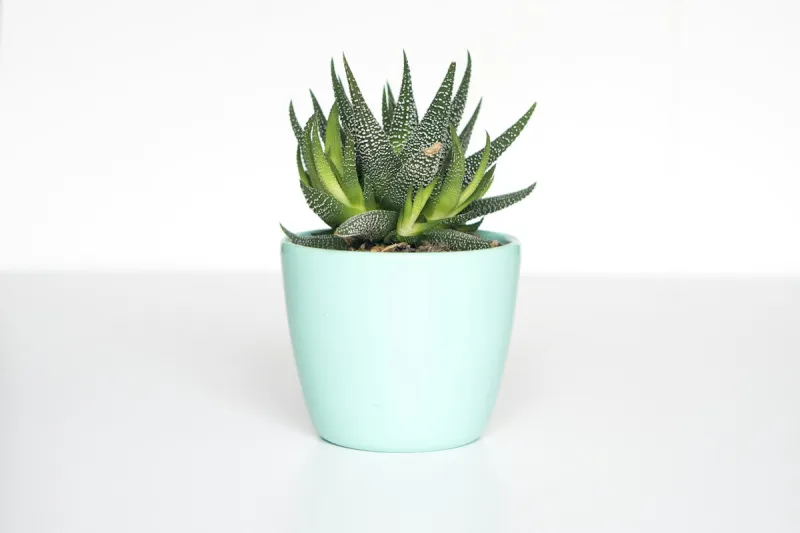
Remove BG example: Products original
Productsdrag to compare
Remove BG example: Objects with background removed
Remove BG example: Objects original
Objectsdrag to compare

How to remove bg from an image in 3 steps

  1. 1

    Upload your image

    Click Upload Image, drag a file onto the page, paste with Ctrl/⌘ + V, or enter an image URL.

  2. 2

    AI removes the background

    The model separates the subject from the background automatically — usually in 1–3 seconds.

  3. 3

    Edit and download

    Keep it transparent or pick a colour, blur or photo background, then download the HD PNG or JPG.

Everything you need, nothing you don't

Fully automatic

One click. The AI finds the subject and removes the background — no selections, no masking.

Full-resolution, free

Download the HD result at your original size. No credits, no watermark, no low-res preview.

Private by design

Images are processed on your own device. Nothing is uploaded, stored or used for training.

Erase & restore brush

Touch up the edges in seconds: erase leftovers or paint back details the AI missed.

Batch processing

Drop many images at once and download them all together as a ZIP file.

New backgrounds

Transparent, white, any colour, gradients, blur or your own photo — previewed live.

Made for every kind of image

E-commerce product photos

Create the clean white or transparent backgrounds that Amazon, Shopify, eBay and Etsy listings need.

Profile pictures & headshots

Turn a casual selfie into a professional headshot for LinkedIn, CVs and team pages.

Design & marketing

Cut out people and objects for thumbnails, posters, social posts, banners and presentations.

Cars & real estate

Swap grey skies and busy lots for a clean showroom backdrop that makes listings stand out.

What does “remove bg” actually do?

“Remove bg” is shorthand for removing the background of an image — keeping the foreground subject and making every other pixel transparent. The result is usually saved as a PNG, because PNG supports an alpha channel that stores transparency. You can then place that cut-out on any colour, gradient or photo without a visible box around it.

Doing this by hand in Photoshop means tracing edges with the pen tool or painting a layer mask, which can take 10–30 minutes for a photo with hair. An AI background remover does the same job in a second by predicting, pixel by pixel, how much of each point belongs to the subject.

Why BGRemove is different

Most online background removers give you a small preview for free and charge credits for the full-resolution file. BGRemove keeps your original resolution for every download, because processing happens on your hardware rather than on paid cloud GPUs.

You also get the essentials that usually sit behind a paywall: an erase/restore brush to fix edges, solid colours, blurred and photo backgrounds, batch processing for multiple images, and one-click ZIP download.

Frequently asked questions

Is BGRemove really free?

+

Yes. Removing a background, editing the cut-out and downloading the full-resolution PNG costs nothing and needs no account. There are no credits, no watermarks and no daily limit, because the AI runs on your own device instead of our servers.

Is BGRemove the same as removebg?

+

No. Many people type “removebg” or “remove bg” when they want any tool that removes an image background. BGRemove is an independent remove bg tool — free, unlimited and private — and is not affiliated with remove.bg or Canva.

Are my images uploaded to a server?

+

No. The background removal model is downloaded once and then runs locally in your browser using WebGPU or WebAssembly. Your photos never leave your device, which makes BGRemove safe for product shots, ID photos and client work.

Why does the first image take longer?

+

The first time you use BGRemove your browser downloads the AI model (about 90–115 MB depending on your device). It is cached afterwards, so every following image — even on later visits — is processed in a couple of seconds.

Which image formats are supported?

+

You can drop in JPG, JPEG, PNG, WebP, AVIF, BMP and GIF (first frame) images. Results download as a transparent PNG, or as JPG and WebP when you add a solid colour or photo background.

Can I use the results commercially?

+

Yes. Images you process are yours. You can use the cut-outs for online stores, ads, client projects, print or anything else, as long as you have the rights to the original photo.

Does it work on iPhone and Android?

+

Yes. BGRemove runs in any modern mobile browser — Safari, Chrome, Edge, Samsung Internet. Open bgremove.cc, tap Upload Image, pick a photo from your gallery and save the result back to your phone.

More free background tools

Ready to remove the background?

Drop an image anywhere on this page, or click below. Results in seconds — free forever.